The all-in-one Mac productivity toolkit

Less app switching. More focus. A smoother workflow

macOS 13.0+ · Apple Silicon & Intel · Free to start
Limited-time offer · Get an extra 36% off
Clipboard
Screenshots
Translation
Markdown
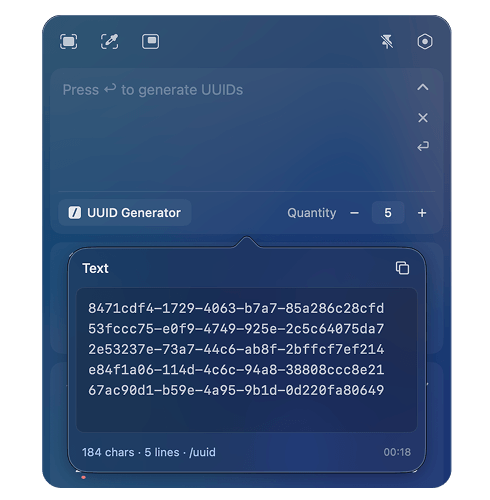
Dev Tools
AI Tools
Clipboard history

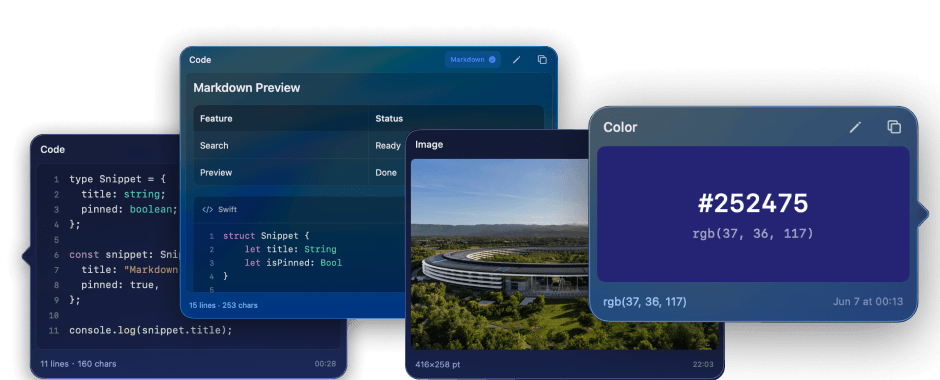
Search, organize, and reuse everything you copy.

Preview more than plain text before you paste.
Markdown, syntax highlighting, JSON, images, colors.
Text
Image
Links
Color
Note
Code
File
Frset clipboard history previewing Markdown, code, images, and colors
Screen capture

Extract text, scan QR codes, and translate on-screen content — right from your screenshots.

Screen Translation
Extract Text from Screen
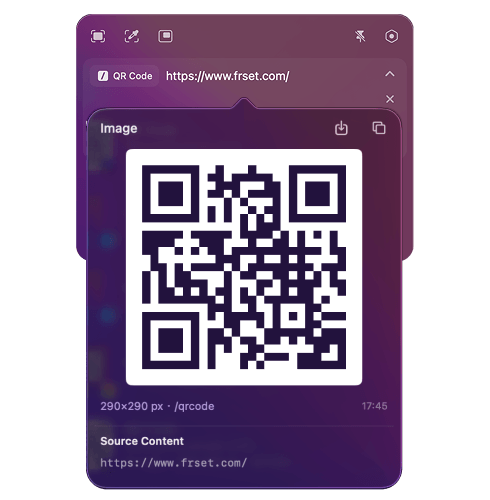
Recognize QR Code
Rounded Window Capture
Annotate
Pin Screenshots
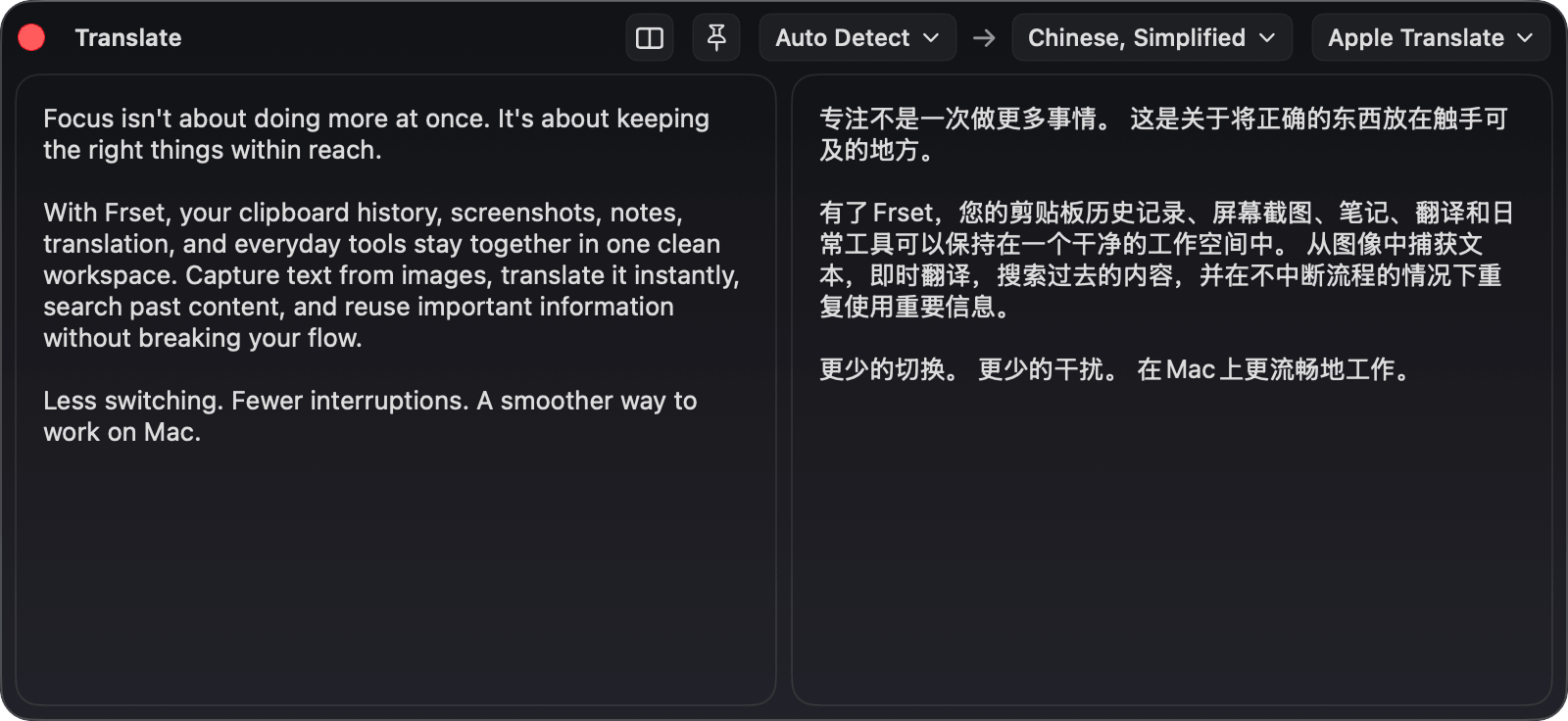
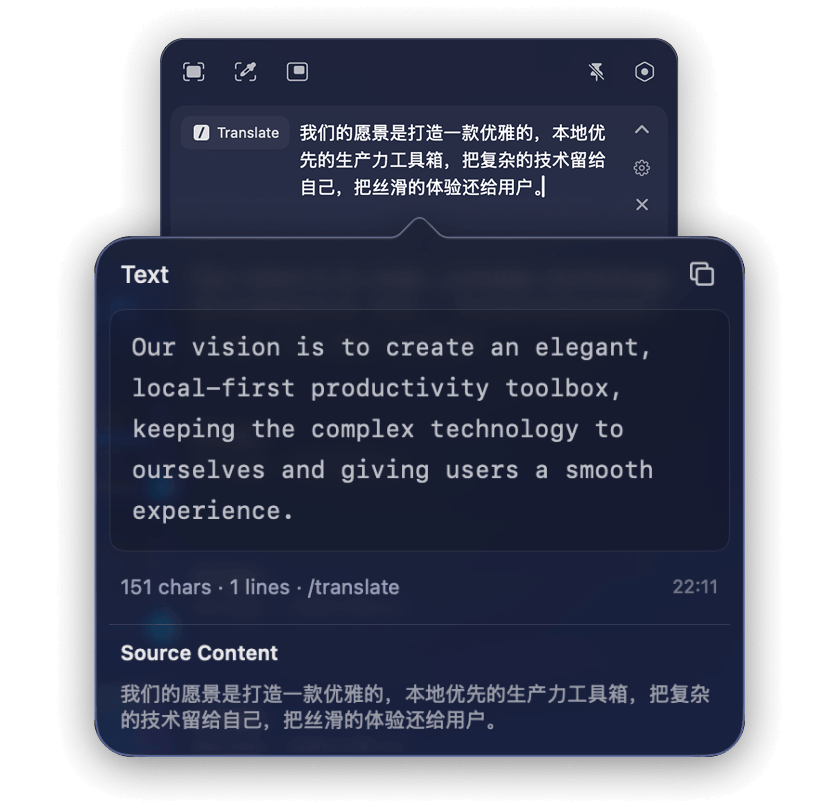
TRANSLATION

Translate by selecting text, capturing your screen, or entering text—without breaking your flow.

Frset translation tool showing English source text and its Simplified Chinese translation
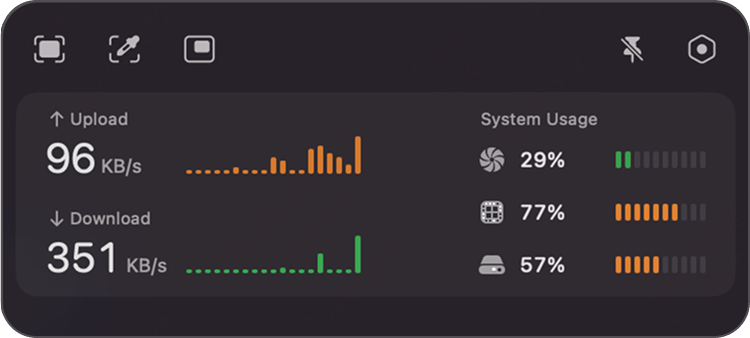
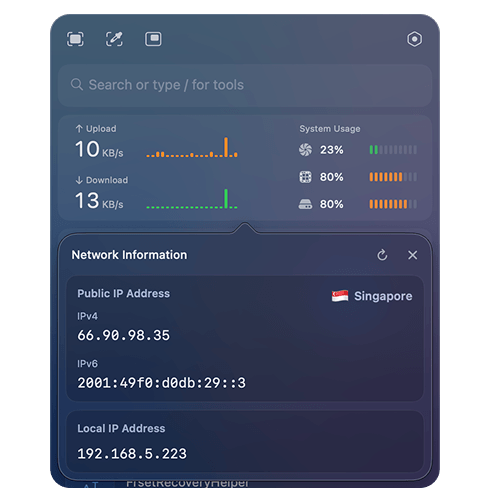
System monitor

Track real-time network speed, CPU load, memory pressure, and disk usage.

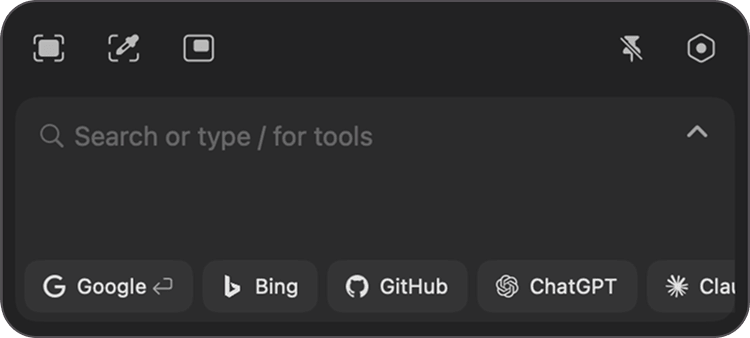
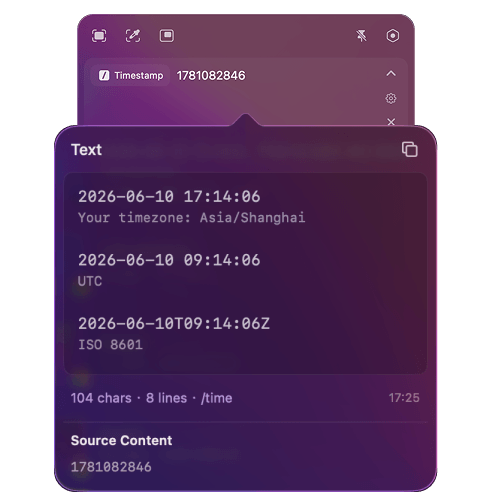
Quick search

Recognize what you type. Surface the right action instantly.

Detects input automatically
Frset quick search recognizing typed input and suggested actions
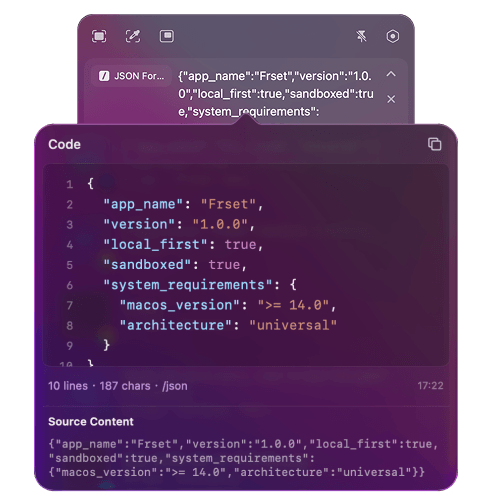
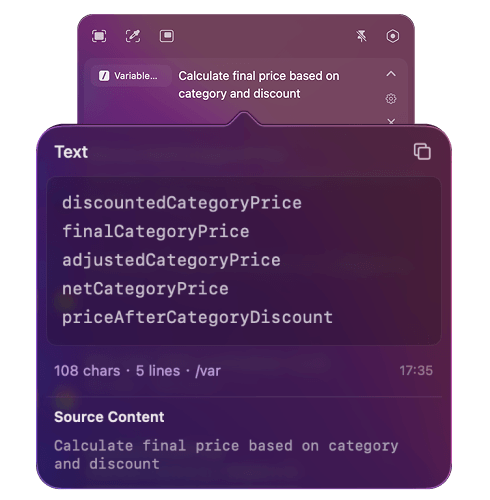
Developer tool

No browser tabs. No extra apps. Just get things done.

More tools are on the way.
AI tool

Connect your AI provider and turn prompts into reusable tools.

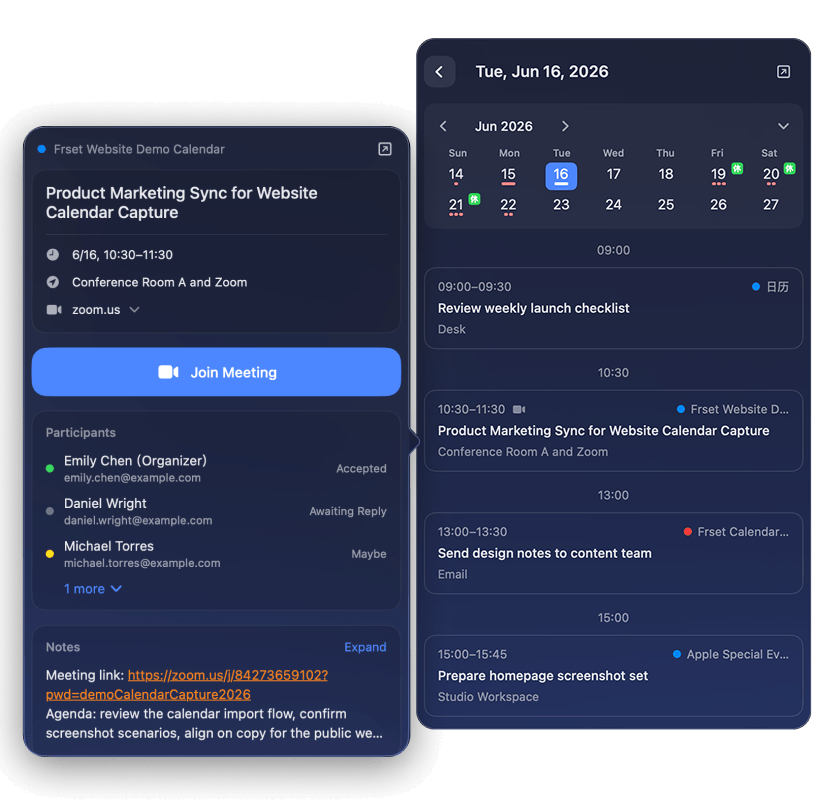
Calendar

Check your schedule and open meeting links in one click.

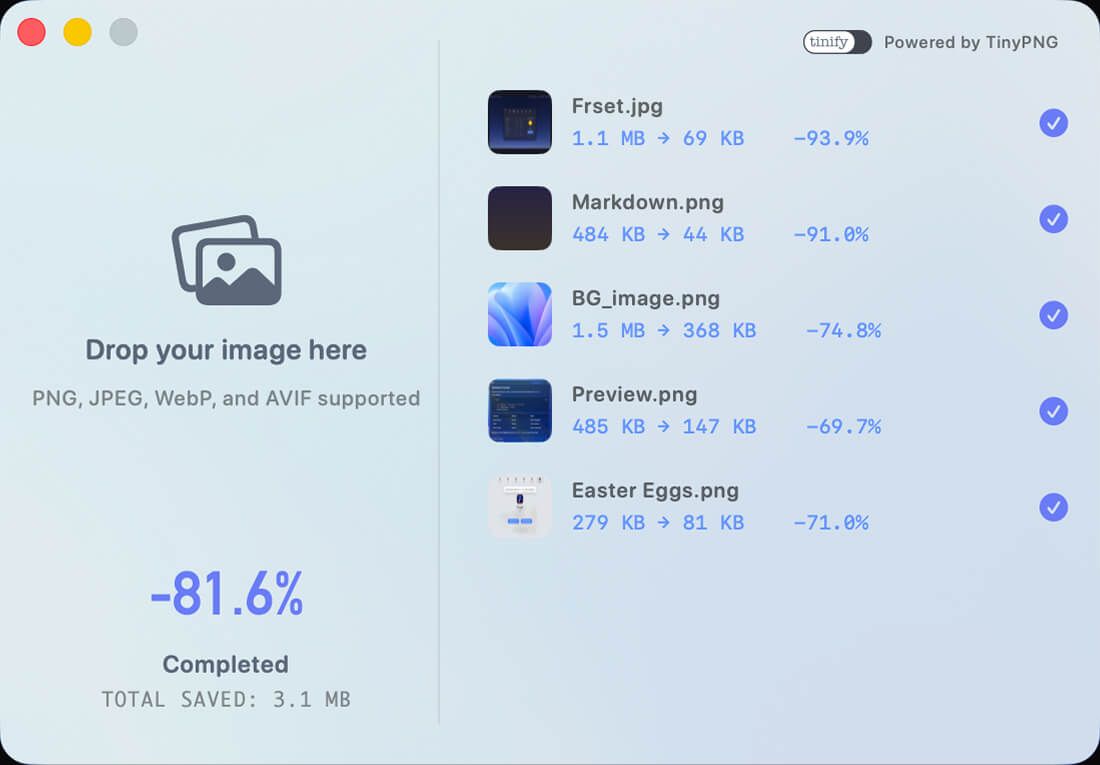
Image compression

Compress images in batches. Keep every pixel crisp.

Batch Compression
Drag & Drop
Quality Preserved
Multi-Format Support
Frset image compression preview
Pricing

Free version available. Try Pro free for 7 days. Buy once for lifetime access.

36% OFF
Limited-time Pro lifetime offer
Enter promo code FRSETNOW for an extra 36% off.
Redeem in the Frset app — Settings → Pro → Redeem Code.
US$12.99
Ending soon
Free
All the essentials, free forever
  • Clipboard, text extraction (OCR), search, and calendar
  • AI tools, dev tools, and system monitor
  • Unlimited screenshots
  • Unlimited translations
  • 24-hour clipboard history
  • Up to 3 clipboard tags
  • 3 tool uses per day
  • Up to 10 notes
  • System, light, and dark themes
Launch Offer
Pro
Unlock everything in Frset
  • Everything in Free
  • Unlimited screenshots
  • Unlimited translations
  • Unlimited clipboard history
  • Unlimited clipboard tags
  • Unlimited tool uses
  • Unlimited notes
  • Dynamic menu bar icon
  • Midnight appearance
Or choose monthly: 7-day free trial, then US$0.99/month
FAQ

Questions before you download.

Is Frset free?
Yes. Frset has a free plan, and all the essentials are free forever.
Is Pro a subscription or a one-time purchase?
Pro offers a subscription with a 7-day free trial and a lower upfront cost, or a one-time purchase for lifetime access.
Can the free plan handle everyday use?
Yes. The free plan covers Frset's main features and is enough for most everyday workflows.
Is Pro worth it?
If you use Frset often, Pro gives you higher limits and a smoother long-term workflow.
Will my data be uploaded to the cloud?
Not by default. Frset stays local-first. Only when you choose AI tools or external translation does the selected content go to that provider.
Does Frset work offline?
Yes. Frset's local features work fully offline. You only need a network connection when you intentionally use an external service provider.
Who it is for

Crafted for those who live in the workflow.

One toolkit, endless custom workflows. Less context switching, more deep focus.
Creators
  • Distraction-free Markdown notes and live preview
  • Contextual AI tools for repetitive editing
  • Multi-item clipboard recall across multiple drafts
Developer
  • Instant JSON formatting and syntax validation
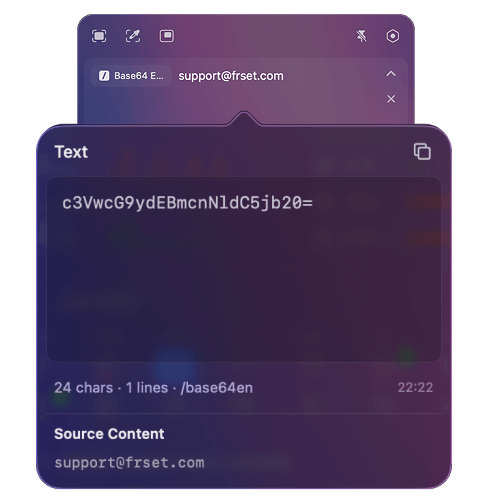
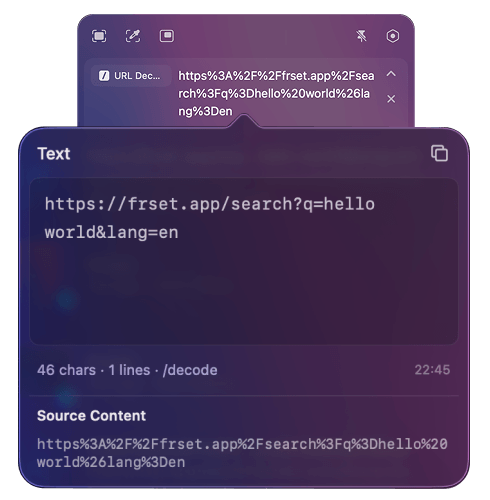
  • One-click conversion for Timestamps, Base64, and URLs
  • Quick QR code generation from clipboard
Designers
  • Lossless image compression for seamless handoff
  • Pixel-perfect window capture with rounded corners
  • On-screen annotation, pinning, and smart color picking
Power Users
  • Floating clipboard panel for rapid-fire pasting
  • Quick Search for local and web actions
  • Native activity trends for productivity insights
Privacy

Privacy by Design, Peace of Mind

Sandboxed by Design
Frset runs within Apple's App Sandbox for added security
Local by Default
Your content stays on your Mac by default
Secured with Keychain
Sensitive API keys are securely stored in macOS Keychain
Minimal Data Collection
Limited app usage analytics and diagnostics, without your content.
Get started

Ready to transform your workflow?

Only those who make it this far know: Frset has a tiny Easter egg.

Download on the Mac App Store